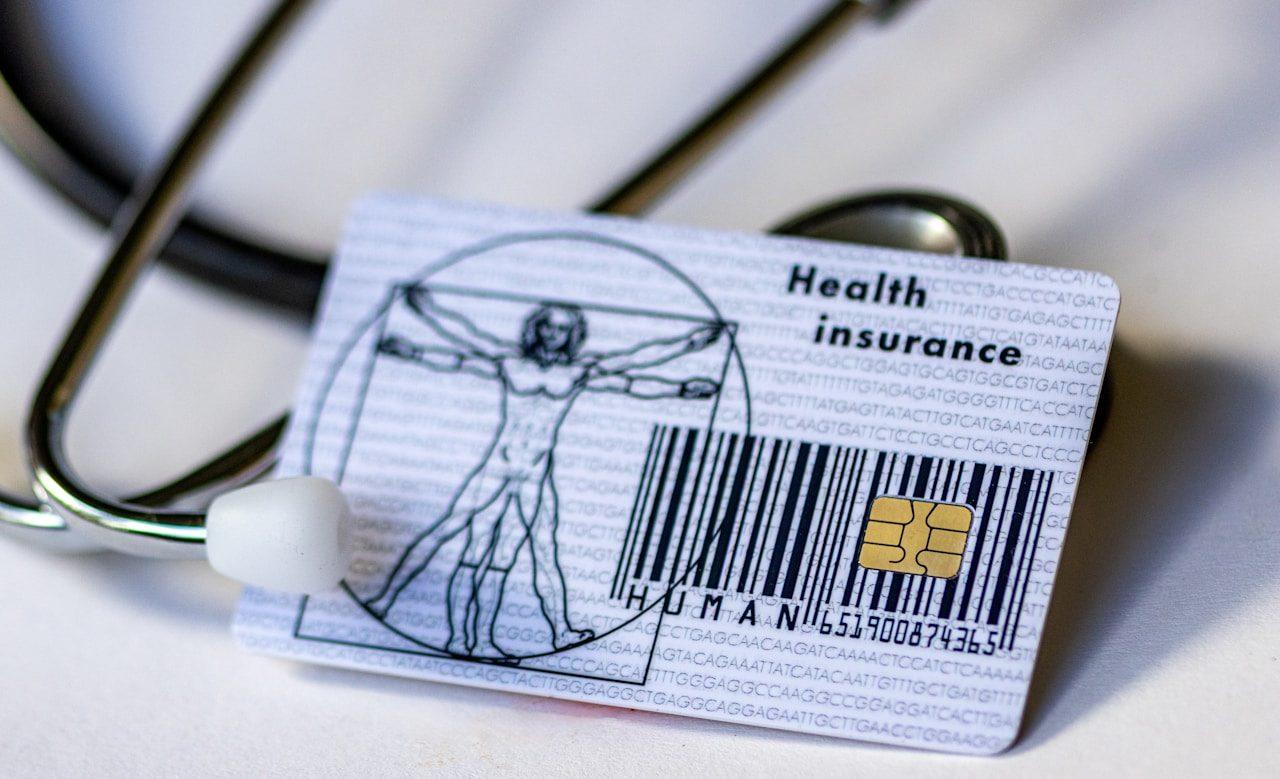
Your health insurance card is a small piece of plastic that most people tuck into their wallet and think about only when they need it. When they do need it, at a doctor's office, a pharmacy, or an emergency room, is not always the best moment to figure out what the information on it means or why the system is not accepting it. Understanding what is on your card, how each piece of information is used, and what to do when something goes wrong is the kind of knowledge that prevents avoidable frustration and financial mistakes.
The information on your health insurance card connects you to your coverage in the billing and claims system. Providers use it to verify your insurance, submit claims, and determine what your plan requires in terms of referrals, prior authorizations, and network restrictions. Getting that information right from the start prevents billing errors, delayed claims, and out-of-pocket costs that should have been covered.
What Every Field on Your Insurance Card Actually Means
The member ID number is the most important piece of information on the card. It uniquely identifies you within your insurer's system. Every claim submitted on your behalf references this number. If you give a provider the wrong member ID, or if the number is misread or entered incorrectly, the claim may be rejected or processed against the wrong account. Verify that your member ID number is transcribed correctly in every provider's system when you establish care.
The group number, sometimes called the plan ID or group ID, identifies your employer's or association's specific health plan. Large employers often have multiple group plans with different benefit structures. The group number tells the insurer and the provider which specific plan you are enrolled in, which determines your specific deductible, copays, coinsurance, and covered benefits. For people with individual market coverage rather than employer-sponsored coverage, the group number may be absent or may serve as a plan identifier in a different format.
The plan name or plan type is typically printed on the card and indicates whether you have an HMO, PPO, EPO, or another network type. This matters because it tells the provider how your coverage works. An HMO requires referrals for specialists and has no out-of-network coverage. A PPO allows self-referrals and has some out-of-network coverage. When a provider asks whether your plan requires a referral or whether you are in-network, the plan type on your card is the starting point for that answer, though the specific rules of your plan are the authoritative source.
The copay information that some cards print for common service types, such as primary care visits, specialist visits, emergency room visits, and urgent care, is a convenient reference but should not be treated as definitive. Actual cost-sharing depends on whether your deductible has been met, whether the service qualifies for the stated copay, and whether specific plan rules apply to the service you received. The copay on your card is a guide, not a guarantee of what you will owe.
The pharmacy benefit information on your card, including the RxBin, RxPCN, and RxGrp numbers, is used by pharmacies to process prescription drug claims through your Part D or prescription drug plan. These numbers are separate from your medical insurance information and connect to a different system. Always present your card at the pharmacy so those numbers are captured correctly. If the pharmacy tells you they cannot find your insurance, provide these numbers manually if the card is not scanning correctly.
How to Use Your Card Correctly at Every Type of Provider
At a primary care office, present your insurance card at every visit, including follow-up appointments. Offices update their systems periodically, and insurance information can change between visits due to plan changes, open enrollment selections, or corrections. Confirming your information is current at each visit prevents billing errors that require significant back-and-forth to correct after the fact. If your plan requires a primary care physician designation, confirm that the office on file with your insurer matches the office you are visiting.
At a specialist, confirm in advance that the specialist is in-network under your specific plan before the appointment. Calling the specialist's office and asking whether they accept your insurer's name is not sufficient. Ask specifically whether they are in-network for your plan name and plan network. Insurance companies often have multiple networks under the same brand, and a provider in one network may not be in another. Bringing your card and providing the complete insurance information at the specialist's office, not just the insurer's name, is what allows them to verify your specific coverage.
At the emergency room, present your card even if the situation is urgent. Emergency departments have administrative staff who manage insurance information, and getting your card into their system from the beginning reduces the likelihood of billing errors and out-of-network complications. Under federal law, emergency rooms are required to stabilize you regardless of insurance status, so presenting the card is an administrative step that does not affect the care you receive but does affect how the billing is handled.
At the pharmacy, present your card every time you fill a prescription, even if the pharmacist says they already have your information on file. Formularies change, copays change, and your deductible or out-of-pocket maximum status changes throughout the year. What you paid for a medication in January may not be what you pay in September when your deductible has been met or your plan year has reset. The pharmacy system calculates your cost at the time of the transaction based on current plan information, and having the current card information on file is what allows that calculation to be accurate.
What to Do When Your Card Does Not Work or Information Changes
If a provider tells you your insurance is not valid or cannot be found in their system, the first step is to call the member services number on the back of your card. The representative can verify your enrollment, confirm your member ID, and provide the provider's billing department with the information needed to submit the claim correctly. Many apparent insurance problems at the point of care are data entry issues or system discrepancies that the insurer can resolve with a phone call.
If your coverage changes because you switched jobs, changed plans during open enrollment, or experienced a qualifying life event, request a new insurance card as soon as the new coverage takes effect. Providers and pharmacies need the current card information to bill correctly for new coverage. Using an old card after a plan change results in claims being submitted to the wrong insurer and creates a complicated correction process that delays reimbursement and may result in bills you did not expect.
If your card is lost or damaged, contact your insurer to request a replacement card. Most insurers now allow you to access a digital version of your card through their mobile app or member portal, which you can show on your phone at provider offices. The digital card contains the same information as the physical card and is accepted at most providers. Storing a photo of your card in a secure location on your phone is also a practical backup for situations where you do not have the physical card available.
Keep a record of your current member ID, group number, and the member services phone number separate from the physical card itself. If you need to call about a claim, dispute a bill, or verify coverage before a scheduled procedure, having that information readily available without needing to locate the physical card speeds up every interaction with your insurer. Your explanation of benefits statements, which your insurer sends after each claim is processed, also contain your member ID and plan information and serve as a secondary reference for your coverage details.